The Ultimate Web3 Security Beginner Guide For 2026
Complete beginner's guide to Web3 security in 2026. Learn the 10 biggest risks, 3-layer protection strategy, and essential security practices to protect your crypto assets.

Introduction
So you’ve finally taken the plunge on owning crypto and building that generational wealth. You’ve got a Web3 wallet, acquired some promising coins and maybe even some NFTs sitting pretty. You even understand if it’s not your keys, it’s not your crypto.
Possession is nine-tenths of the law, right? Well, with digital assets, not quite.
In Web3, custody isn’t ownership. Control is ownership.
And if you don’t understand that difference, you’re basically walking around with your life savings in a glass box, hoping nobody decides to smash it.
Since 2012, an estimated $30 BILLION has been stolen in Web3 hacks and scams over the last few years from investors just like you. Not “lost.” Not “misplaced.” Stolen.
And worst, the majority of those people thought they were being careful, just like you are doing right now.
Most of them just didn’t realize they were playing a completely different game, one where there’s no customer service to call, and no bank to reverse the transaction.
There is no UNDO button in crypto. This is a feature, not a bug!
Everyone is playing for keeps, at every corner.
So today, we’re breaking down the 10 biggest ways people get absolutely rekt in Web3, and more importantly, the exact playbook to make sure you’re not next.
Because freedom is great, but freedom without security? It comes with the biggest price tags that hackers and scammers want you to pay.
Web3 Security Beginner Guide 2026
Download the complete PDF guide covering the 10 biggest Web3 security risks, 3-layer protection strategy, and essential security practices to protect your crypto assets.
What is Web3?
Web3 is the vision of a decentralized internet built on blockchain technology, where users own their data, digital assets, and identity instead of tech giants (also known as Web2) controlling everything. Transactions are transparent, viewable on public blockchain ledgers and immutable (cannot be undone by intermediaries).
Think cryptocurrencies, non-fungible tokens (NFTs), and decentralized apps (dApps) that run without middlemen like banks or social media platforms.
The promise is more control and transparency.
The reality: still early, expensive gas fees, and a steep learning curve most people haven’t figured out yet.
Why is Web3 security so important?
Web3 security is critical because you and you alone are responsible for keeping your crypto safe. This means employing the right measures, using industry-leading tools like Kerberus who have a perfect safety record… or not.
One wrong click on a malicious smart contract and your entire wallet drains in seconds.
Hackers have stolen billions exploiting bridge vulnerabilities, phishing scams, and poorly audited code. Unlike Web2 where companies can freeze accounts or reverse fraud, Web3’s “trustless” nature means if your private keys are compromised, your assets may be gone forever. This new financial freedom requires total responsibility.
So to recap:
- There’s no safety net - If your private keys are stolen or you sign a malicious transaction, your funds are gone permanently with no way to recover them or reverse the transaction
- Smart contract vulnerabilities - Bugs in code have led to billions in losses through exploits, hacks, and bridge attacks since there’s no central authority to patch or rollback
- You’re the target - Phishing scams, fake websites, and social engineering attacks are rampant because attackers know users are holding valuable assets with irreversible transactions
Here are 5 cataclysmic Web3 hacks since 2014 that show just what can go wrong:
- Ronin Bridge (2022) - $625 million - Hackers compromised validator keys for Axie Infinity’s blockchain bridge and drained ETH and USDC. North Korea’s Lazarus Group is again suspected.
- Poly Network (2021) - $613 million - Exploited a vulnerability in cross-chain protocols. The hacker surprisingly returned most funds after becoming “the world’s most wanted.”
- FTX collapse (2022) - $8+ billion - Not a hack but catastrophic nonetheless. Sam Bankman-Fried misused customer funds, leading to fraud charges and the exchange’s implosion.
- Mt. Gox (2014) - 850,000 BTC - Early Bitcoin exchange lost everything to hackers over years. Still dealing with creditor payouts a decade later.
- Wormhole Bridge (2022) - $325 million - Attacker minted 120,000 ETH by exploiting the bridge’s signature verification.
Let’s look at some of the biggest risks and how to prevent them.
10 Common risks in Web3 security
1. Smart Contract Vulnerabilities
This is a massive source of catastrophic financial loss in Web3. Smart contracts are immutable public code, and a single flaw can be exploited to drain millions of dollars before anyone can stop it.
- How It Works: A bug, logic error, or loophole in the code of a decentralized application or protocol.
- Analogy: Finding a loophole in a bank vault’s blueprints that are publicly available, allowing you to walk in and take everything.
- Examples: Re-entrancy attacks (The DAO Hack), integer overflows, flawed access control.
2. Private Key & Seed Phrase Compromise
In Web3, you are your own bank. If someone steals your keys, they steal your assets. There is no “forgot password” button or customer support to call.
- How It Works: An attacker gaining access to your private key or the 12/24-word seed phrase that controls your wallet.
- Analogy: An attacker stealing the one and only physical key to your unbreachable vault, along with your signature stamp.
- How it happens: Phishing, malware, storing it insecurely online (e.g., in cloud storage, email).
3. Phishing & Social Engineering
Source: ChatGPT
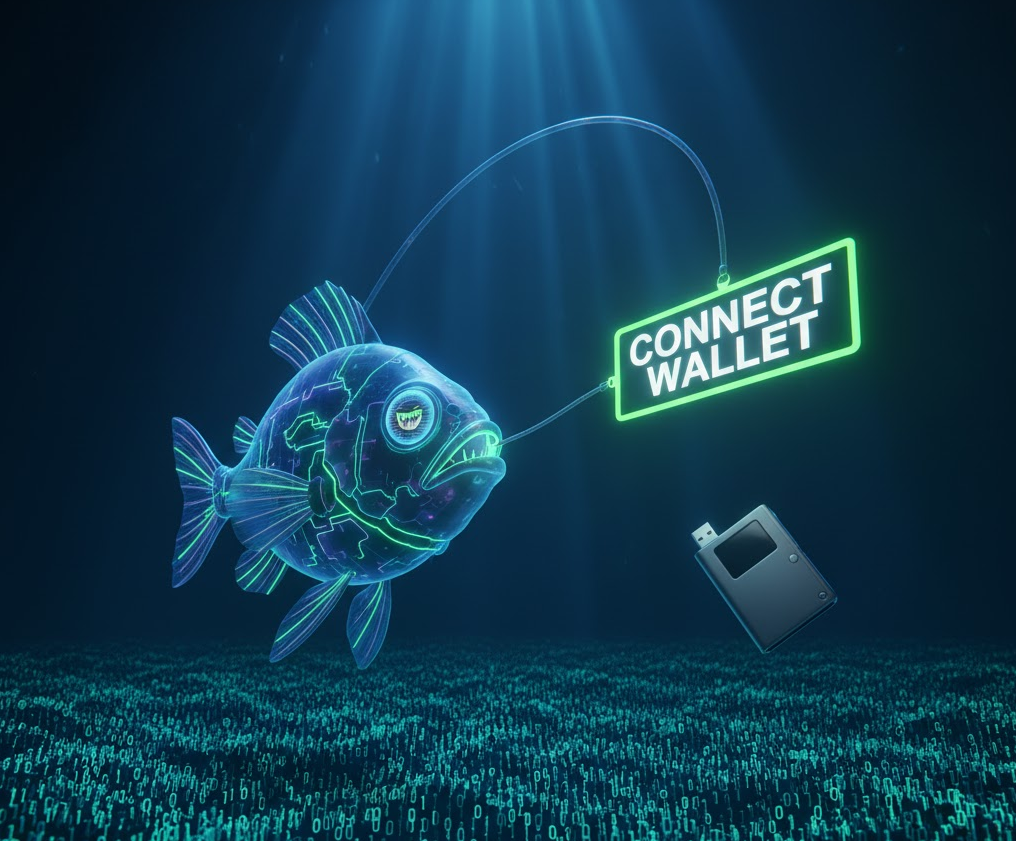
Attackers target the weakest link: the human user. They use deception to trick you into performing actions you shouldn’t, which then wipes out your wallet.
- How It Works: Scammers create fake websites, send malicious links, or impersonate support staff to trick you into connecting your wallet and signing a transaction. This activates a wallet drainer that steals your funds or gives them access.
- Analogy: A con artist in a perfect replica of your bank’s uniform tricks you into signing a form that hands over control of your account.
- Example: A “surprise NFT airdrop” link on Discord that leads to a malicious “minting” site.
4. Cross-Chain Bridge Exploits
Bridges that transfer assets between different blockchains are a prime target. They often hold vast sums of locked assets, and their complexity creates many potential attack vectors.
- How It Works: Exploiting vulnerabilities in the smart contracts or validation process of a bridge to mint unbacked assets or steal the locked funds.
- Analogy: A heist on the armored truck convoy that moves cash between the country’s central banks.
- Impact: These are consistently the largest hacks in Web3, often resulting in losses of hundreds of millions of dollars.
5. Oracle Manipulation
DeFi protocols rely on “oracles” to get real-world data (like asset prices) onto the blockchain. Corrupting this data feed can trick a protocol into making disastrous financial decisions,which we saw last month when a fresh round of Trump tariffs caused a market meltdown, partially caused by oracles malfunctioning.
- How It Works: An attacker manipulates the price feed of an asset, often using a flash loan, to make a protocol think the asset is worth much more or less than it is.
- Analogy: Hacking the stock ticker in a brokerage’s office to show that a worthless stock is worth $1,000, then taking out a massive loan against your shares at that inflated price.
6. Rug Pulls & Insider Threats

Source: Nano Banana
Rug pulls are a scourge of the crypto space. They require psychological expertise, not technical skills. Founders and influencers create hype around a new project, get retail investors to FOMO in and buy, before insiders dump their tokens or the developer removes liquidity.
Since crypto wallets are pseudonymous (you can see the wallet addresses but not the identities behind them, it makes it easy for unscrupulous founders to disappear with user funds.
Hundreds of these rug pulls happen daily on meme coin launchpads like Pump.fun, but we’ve also seen it with bigger projects in the past.
One only has to go back to February 2025, when the $Libra rug pull, which roped in the Argentinian president Javier Milei, drained $100m from investors in a very short time.
- How It Works: The development team of a project abandons it and runs away with investors’ funds, often by draining liquidity pools or dumping their own tokens.
- Analogy: You invest in a startup, give the founders all the money, and they immediately empty the bank account and flee the country.
7. Front-End / DNS Hijacking
The smart contract can be perfectly secure, but the website you use to interact with it can be compromised.
-
How It Works: A Web3 attacker takes control of a dApp’s official website URL and replaces the user interface with a malicious one that tricks users into signing transactions that drain their wallets.
-
Analogy: You go to your bank’s address, but overnight, criminals have put up a fake, identical-looking facade. When you use the ATM, it steals your card and PIN.
-
Real world example: In mid-November 2025, Base network’s leading decentralized exchange Aerodrome suffered a front-end attack.
Hackers hijacked Aerodrome’s website addresses and redirected users to fake lookalike pages that tried to steal their funds. The attack only affected the website, not the protocol itself. Users were told to avoid the main domains and use ENS mirrors instead.
8. Flash Loan Attacks
Flash loans allow users to borrow massive amounts of capital with zero collateral, as long as it’s paid back in the same transaction. Attackers use this massive temporary leverage to execute other attacks.
In 2023, Euler Finance suffered a $199 million flash loan attack, while Shibarium’s bridge lost $2.4m in September 2025.
- How It Works: Using a flash loan as a tool to manipulate markets, exploit economic logic in a protocol, or carry out an oracle attack.
- Analogy: Being able to borrow a billion dollars for one second, long enough to manipulate a stock market and make a profit, before instantly paying the loan back.
9. Malicious Token Approvals (e.g. Infinite Approvals)
To interact with a dApp, you often have to “approve” its smart contract to spend your tokens. If you grant an unlimited approval to a malicious or vulnerable contract, it can drain all of that specific token from your wallet at any time.
Ethereum DeFi protocol Balancer lost $128m in early November 2025 due to a “rounding error”, which others attributed to malicious activity.
- How It Works: A user signs a transaction that gives a smart contract permission to withdraw an unlimited amount of a specific token from their wallet.
- Analogy: Giving a valet a key to your car that not only lets him park it but also gives him permanent permission to take it whenever he wants in the future.
10. Supply Chain Attacks
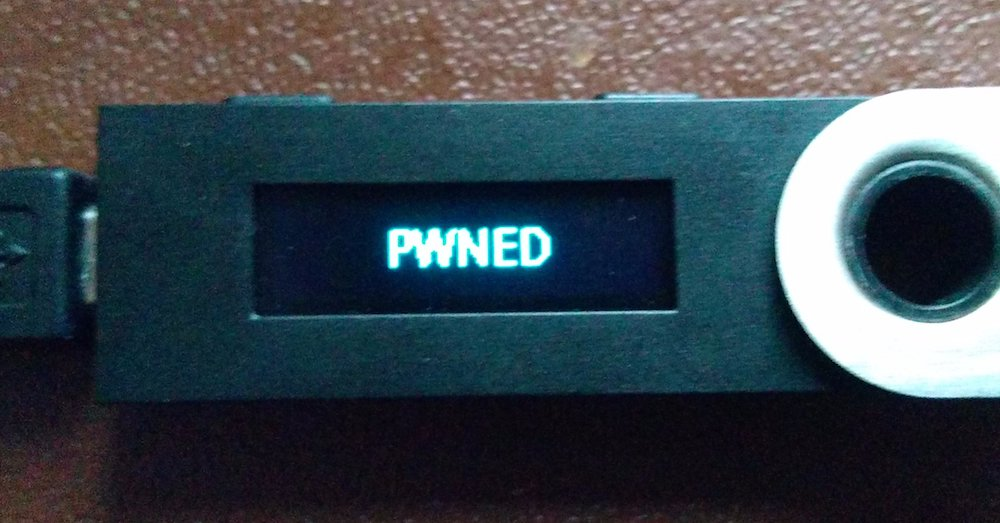
Source: Ars Technica (2018)
Thought you bought a cold wallet and now you’re safe? Think again: the software or hardware you trust to keep you safe could itself be your biggest risk. A vulnerability in your wallet software or a commonly used Web3 code library can cost you everything.
In September, a massive supply chain attack took aim at crypto software wallets (but was ultimately thwarted) after the Node Package Manager (NPM) account of open-source developer qix was breached.
The CTO of Ledger (who in its early days has been the recipient of various cybersecurity attacks such as phishing and component replacement) warned that the malware payload works by silently swapping crypto addresses on the go to steal funds.
- How It Works: A bug in the code of a crypto wallet (like MetaMask or a hardware wallet’s firmware) or a compromised software library used by many dApps.
- Analogy: The company that manufactured your “unbreakable” home safe accidentally built it with a secret backdoor.
Stay Rekt-free in Web3: Best-Practice Layers and Measures
Think of your Web3 security as three layers, with specific best practice measures used for each:
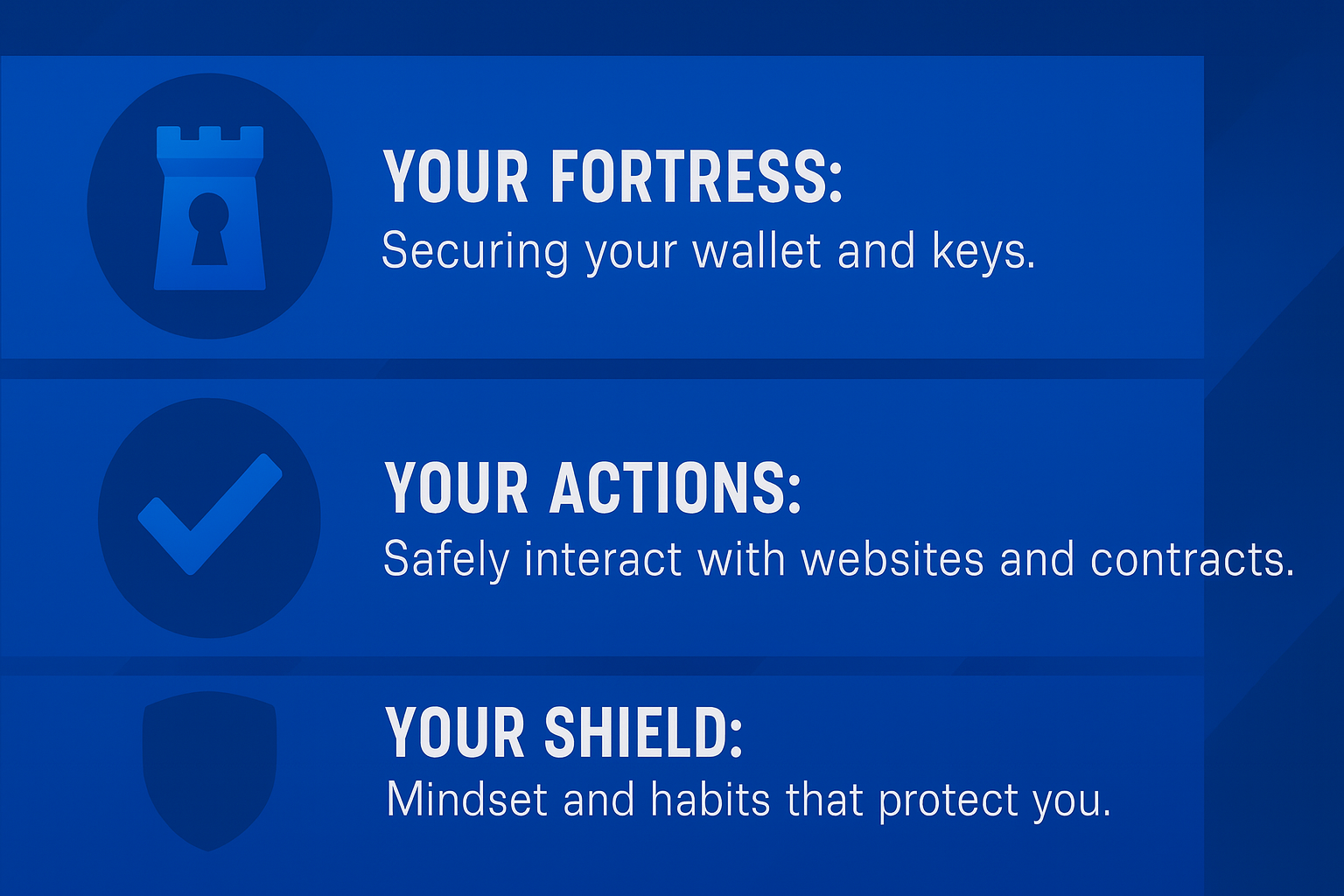
- Your Fortress: Securing your wallet and keys.
- Your Actions: Safely interacting with websites and contracts.
- Your Shield: The mindset and habits that protect you from deception.
Here are concrete, actionable steps with specific examples of how they protect you.
Layer 1: Build Your Fortress (Wallet & Key Security)
1. Use Cold Storage
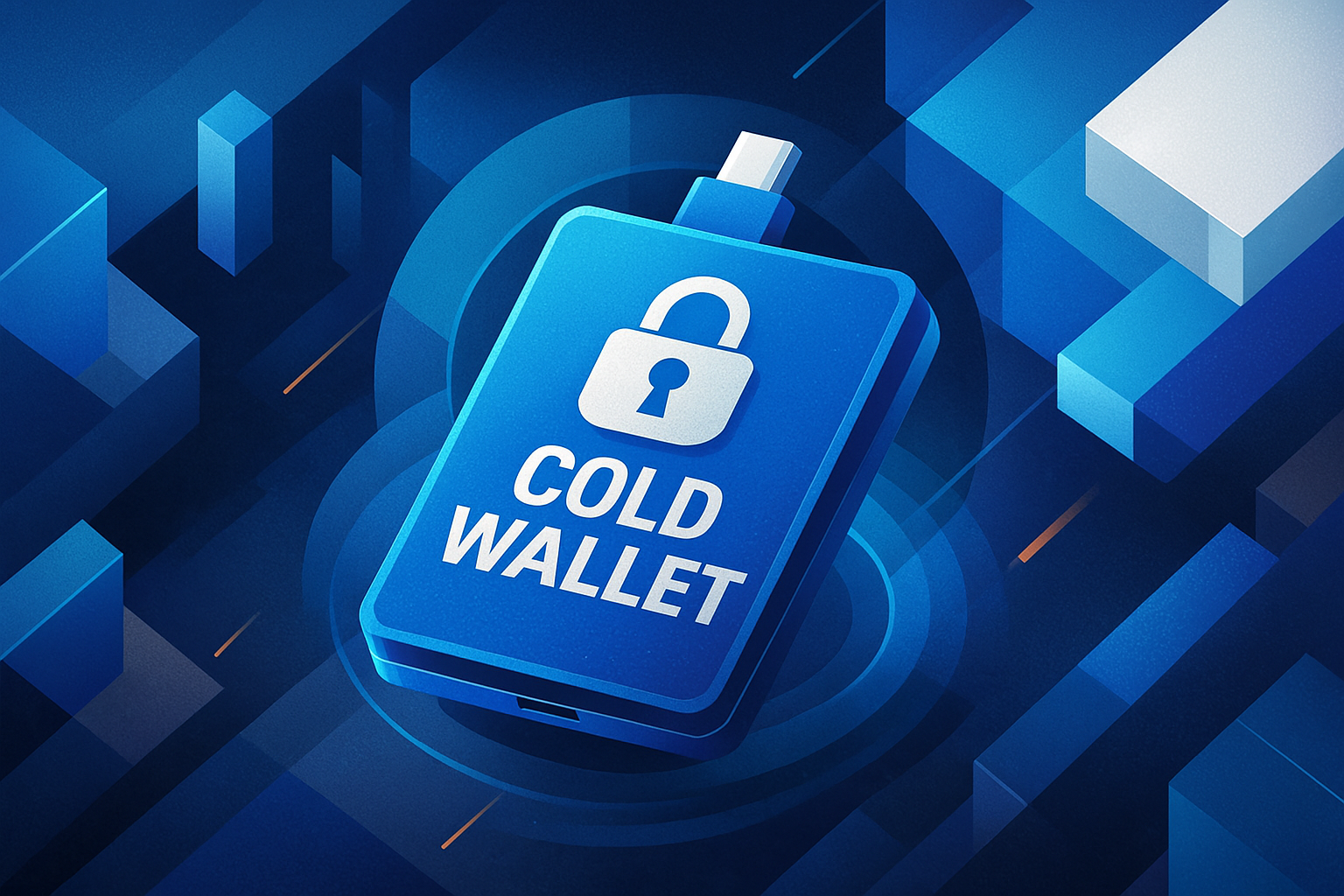
Other than using real-time Web3 threat protection tools to screen malicious threats proactively, using cold storage is possibly the single most effective protective measure you can undertake. It keeps your private keys completely offline and means that no transactions can go through unless you physically authorize them with a button push.
- What to do: Buy a Ledger, Trezor, CoolWallet, SafePal or other reputable hardware wallet directly from the official company website. Avoid buying from Amazon or eBay, unless you can order directly from the manufacturer.
- Specific Example: You want to mint a new NFT. A hacker has infected your computer with malware that logs your every keystroke.
- Without a hardware wallet: You connect your browser wallet (MetaMask), type your password, and click “Confirm.” The malware steals your password or hijacks the transaction, draining your account.
- With a hardware wallet: You connect your Ledger to your computer. When you click “Confirm” in MetaMask, a prompt is sent to your physical Ledger device. You have to look at the small screen on the device itself and physically press buttons to approve the transaction. The hacker on your computer cannot press those physical buttons. Your funds are safe.
Multi-sig wallets
If you’re part of a group or business that wants to use a software wallet with additional security, you can consider a multisignature wallet (or if you can afford it, an MPC wallet)
A multisig wallet is a crypto wallet that requires approval from multiple keys before a transaction can be completed. Instead of one person controlling the funds, security is shared across several authorized signers. This reduces the risk of hacks, scams, or accidental loss because no single compromised key can move assets.
Setting one up involves choosing a multisig-compatible platform, selecting the total number of signers, deciding how many approvals are required, adding each signer’s wallet address, and confirming the setup.
Do note that multisig security is not impenetrable, as February 2025’s crazy Bybit hack showed us. A record-setting haul of $1.5 billion was shipped off by the North Korean bad guys.
So yes, even with cold storage and multi-sig, there is always a catch. If you expose your private key or seed phrase to anyone, the best wallet safety measures mean nothing.
2. Master Your Seed Phrase Hygiene
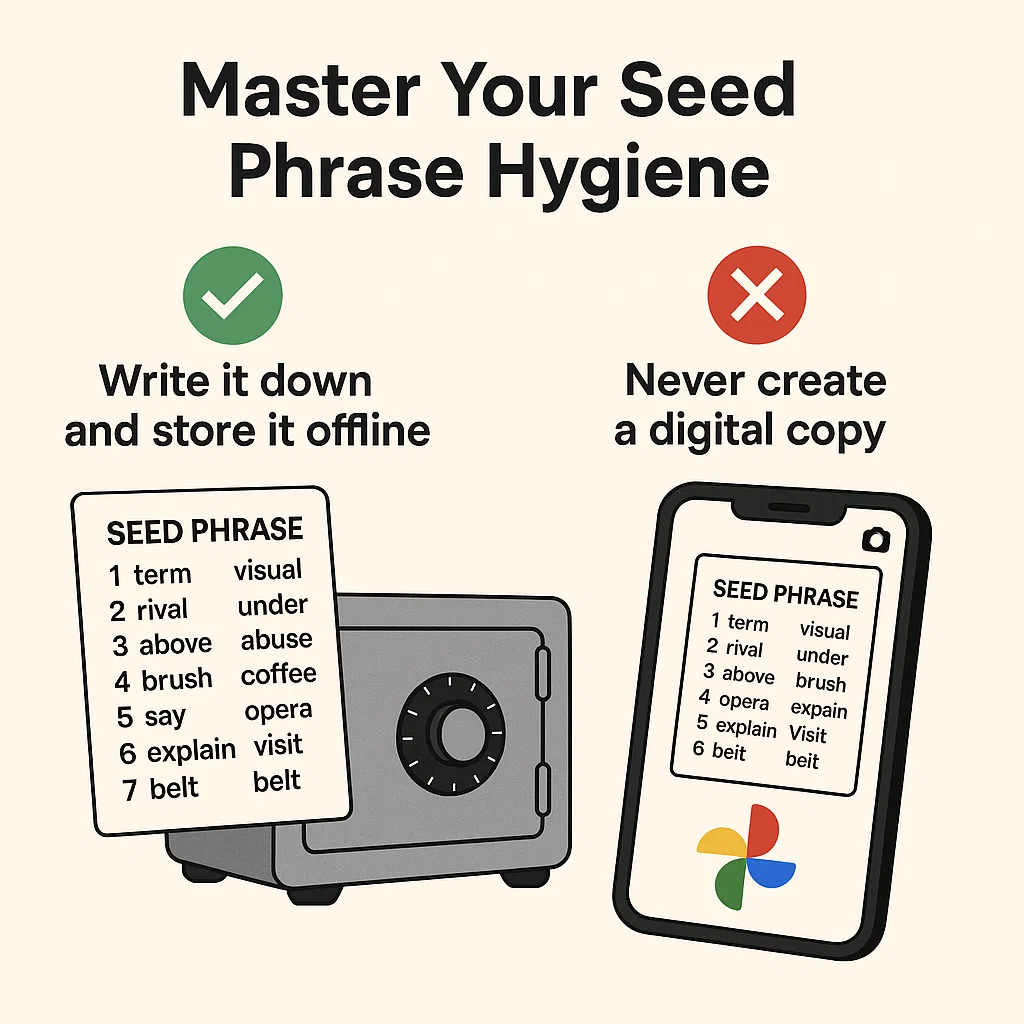
Your 12 to 24-word seed phrase is the master key to all your crypto. Treat it like a block of gold.
Make sure you don’t expose it to the eyes of any friends or family, employees, or make it easily retrievable when you’re threatened with physical violence, aka the so-called $5 wrench attack.
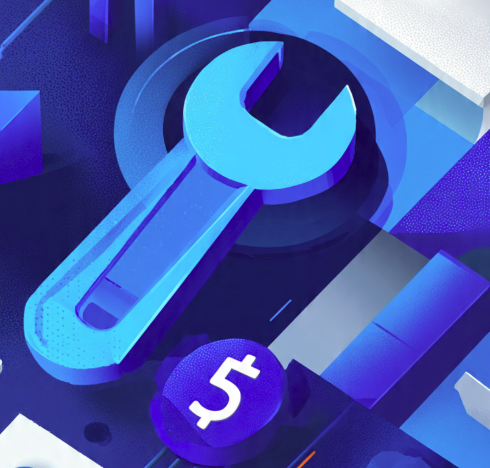
$5 Wrench Attack (Source: Google Nano Banana)
In 2025, we saw a resurgence of kidnappings and physical attacks to rob investors of their portfolios, with the most infamous incident targeting the French co-founder of Ledger in June 2025.
For smaller investors, the below measures should suffice.
- What to do:
Write it down on paper or stamp it into metal. Store it in a secure, private, offline location (like a safe). Never, ever, ever store it digitally and don’t even print it out.
- Specific Example (What NOT to do):
You take a picture of your seed phrase and save it to your phone’s photo album, which is backed up to Google Photos. A year later, Google has a data breach. A hacker finds the image file named “crypto_keys.jpg” in the leaked data, enters it into a wallet, and steals your entire life savings.
The correct action is to never create a digital copy in the first place.
3. Use both Hot and Cold Wallets
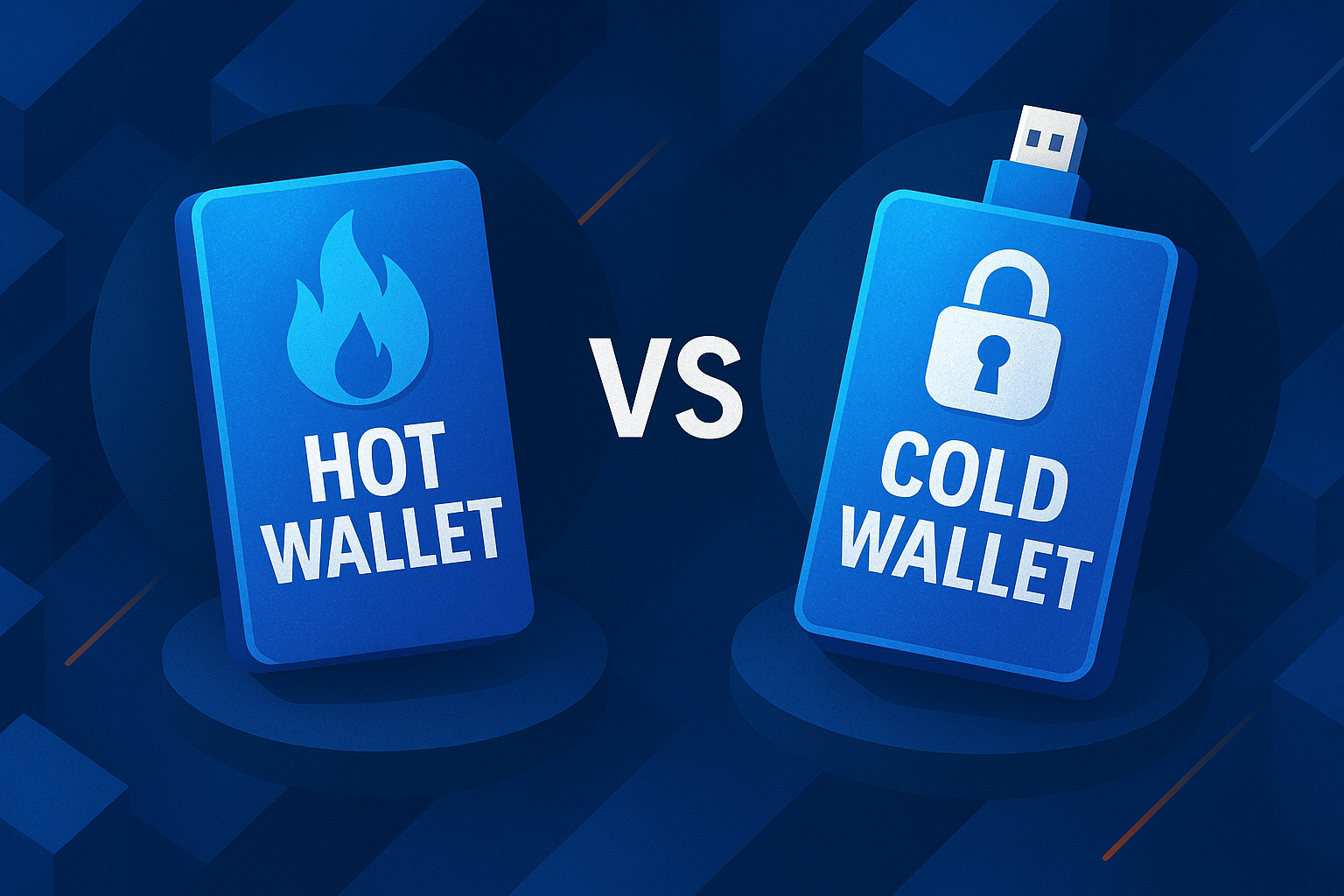
Don’t use your main savings account for daily spending. Apply the same logic to crypto.
How to spread out your risk:
- Cold Wallet (Your vault): Your hardware wallet holds the majority of your assets that you don’t plan to trade soon.
- Hot Wallet (Your pocket cash): A browser wallet like MetaMask that holds only a small, expendable amount of crypto for daily activities like minting, trading, and experimenting.
- Use different wallets across different chains if you can manage it.
Specific Example: Your hardware wallet holds 5 ETH and your valuable NFTs. Your MetaMask hot wallet holds 0.1 ETH. You accidentally connect your hot wallet to a malicious website that drains all its funds.
Congrats! You’ve lost 0.1 ETH, which is painful, but protected the bag: your 5 ETH and prize assets are completely untouched and safe on your hardware wallet.
Layer 2: Take the Right Actions
4. Read Before You Sign: Understand SetApprovalForAll
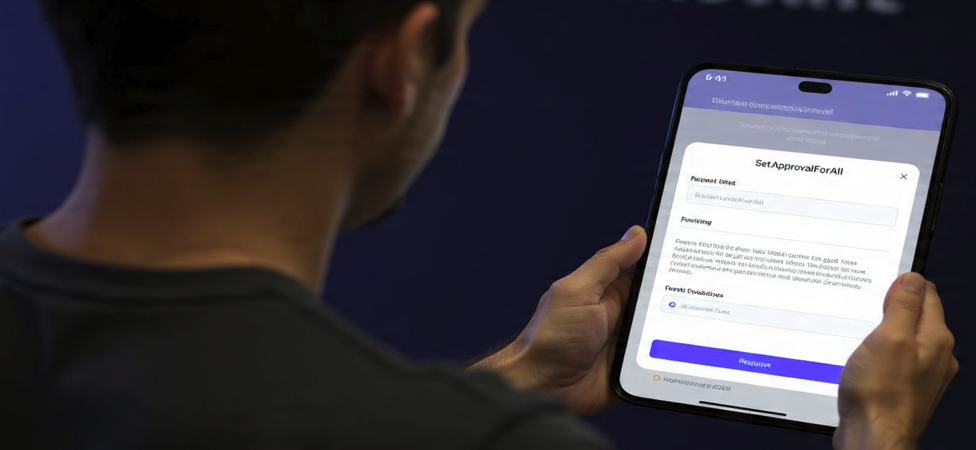
Signing a transaction is like signing a legal contract. You need to know what you’re agreeing to. The most dangerous signature request is SetApprovalForAll.
- What to do: When your wallet asks for your signature, read the prompt carefully. Be extremely suspicious of any transaction that asks for SetApprovalForAll permission.
- Specific Example: A scam NFT site tells you to “approve the collection to trade.” Your MetaMask pops up with a request.
- If you look closely, it says “Give permission to access all of your [NFT Collection Name]?”
This is a SetApprovalForAll request. It’s like giving a valet the keys to your car, but also a permanent contract allowing him to take and sell any car in your entire garage at any time in the future.
A legitimate site should only ask for permission to transfer the one specific NFT you are selling.
5. Use a Transaction Simulator
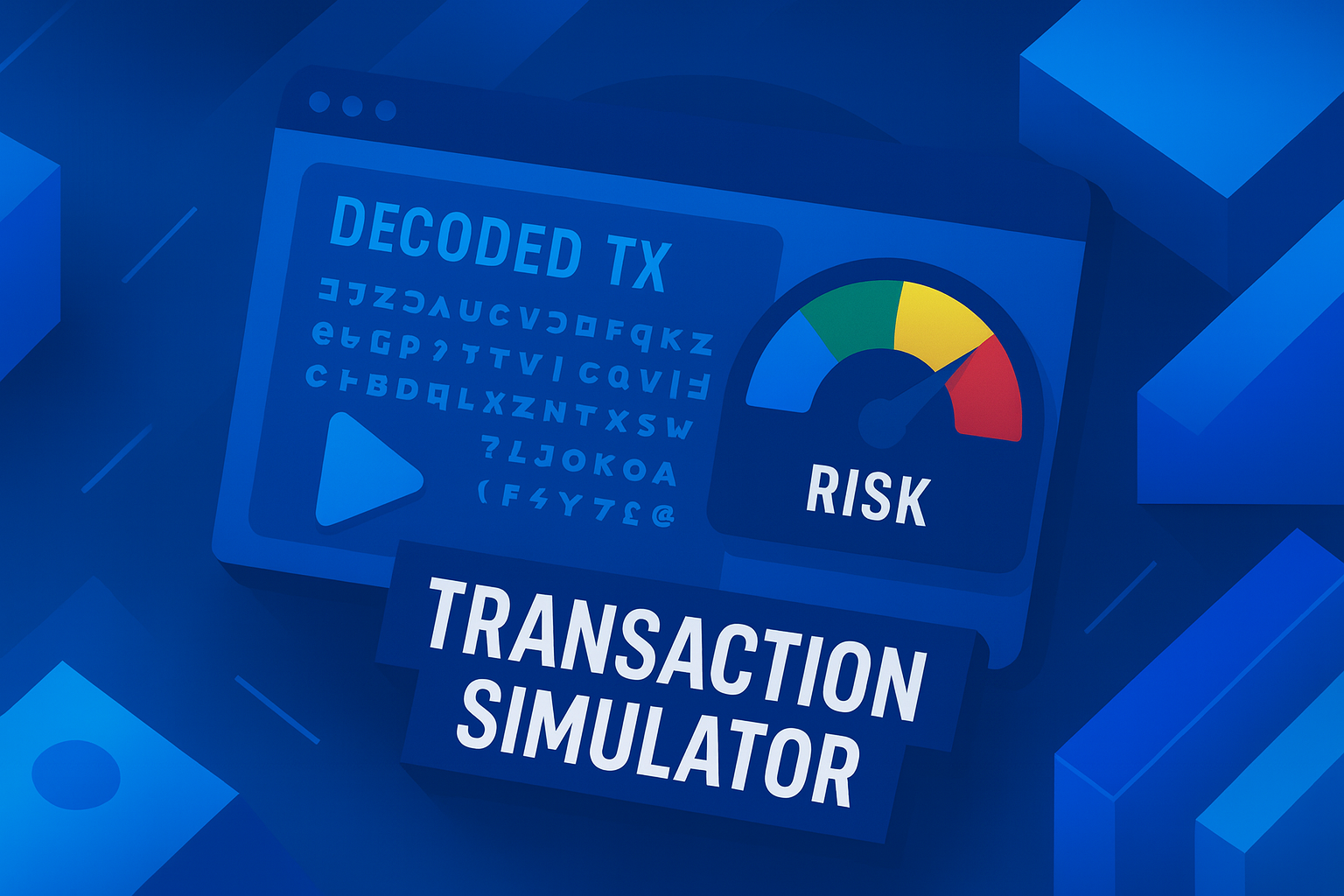
These are browser extensions that show you exactly what a transaction will do before you sign it, translating the complex code into plain English.
- What to do: Install a reputable security extension like Pocket Universe or Kerberus.
- Specific Example: You click “Mint” on a new website. Before MetaMask even asks you to sign, Pocket Universe pops up with a simulation:
THIS TRANSACTION WILL:
✅ Send 0.1 ETH from your wallet
❌ STEAL all of your Cool Cats NFTs
You would see this clear warning, realize it’s a drainer scam, and immediately reject the transaction, saving your assets.
6. Periodically Revoke Token Approvals
Clean up the permissions you’ve given to dApps over time.
- What to do: Go to a site like Revoke.cash. Connect your wallet to see a list of every smart contract you’ve ever given permission to spend your tokens. If you no longer use a protocol, revoke its permission.
- Specific Example: Six months ago, you used a small, now-forgotten decentralized exchange (DEX). You gave it an “unlimited approval” to spend your USDC. Today, that DEX gets hacked. Because you never revoked that approval, the hacker can use that old permission to drain all the USDC from your wallet. If you had gone to Revoke.cash and cleaned up your old approvals, you would have been safe.
Layer 3: Your Shield (Mindset & Habits)
7. Keep it Official: Only use real links!
Scammers create fake versions of popular sites to trick you. Bookmarks are your best friend.
- What to do: For any site you use regularly (OpenSea, Uniswap, etc.), go to their official Twitter, find the official link, visit the site, and bookmark it. From then on, only use your bookmark.
- Specific Example: You get a DM on Discord: “OpenSea has frozen your account due to suspicious activity! Verify at opensea.xyz now!” You know the real site is opensea.io. Instead of clicking the link, you go to your trusted bookmark for the real OpenSea. You see there are no alerts. You’ve just avoided a phishing scam.
8. Stay Away From Fake Airdrops and Free Coins

If you’re looking for a free lunch in crypto, you’ll soon find that you are actually the main course on the menu. No one is giving away free money for nothing, and definitely not to you. Unless you’ve interacted (via a minor hot wallet account, see layer 1) with a hot new DeFi protocol to rack up points for an airdrop, you’re most likely being socially engineered for a cleanout.
“Surprise” airdrops or “free mints” that appear in your wallet are almost always bait.
- What to do: If an unknown NFT or token appears in your wallet, ignore it. Do not go to its website to “claim” it or “trade” it.
- Examples: You see a new NFT in your Phantom wallet called “FreePudgyPenguinDOTcom”. You are not a winner. It is bait. The scam is that their website will trick you into signing a wallet-draining transaction. The safe action is to simply right-click and “hide” the NFT on your marketplace. Never ever interact with it.
9. Use a Burner Wallet for NFT Minting
A burner is a brand-new wallet with nothing in it, used for a single, potentially risky transaction.
- What to do: If you want to mint from a new or unverified project, create a fresh MetaMask or Phantom wallet, or whatever is compatible.
- Send only the exact amount of crypto needed for the mint (plus gas) from your main hot wallet to this new burner wallet. Then, connect the burner wallet to the minting site.
- Specific Example: A hyped project is minting. You’re not 100% sure it’s safe. You send 0.1 ETH to a new burner wallet. You connect and mint. If the site is a drainer, they get the 0.1 ETH, and that’s it. Your main wallet, with all your other assets, was never even connected and is completely safe.
The 2022 Instagram NFT hack of Bored Ape Yacht Club (BAYC) cost investors $3m and offers valuable lessons on how to stay safe
10. Turn Off Your DMs
99% of unsolicited DMs in Web3 are from scammers.
- What to do: Go into your privacy settings on Discord and X/Twitter and disable direct messages from people you don’t know or who aren’t on the same servers.
- Specific Example: You join a project’s Discord. Within 30 seconds, you get a DM from someone whose name is “Admin” saying you won a raffle. Plot twist: you didn’t.
By turning off DMs, this scam never even reaches you. All official communication will happen in public announcement channels. Another common scam involves an X user trying to convince you to join a private Telegram group, where they will groom you to install malware disguised as custom video conferencing software, which gives them full access to your computer.
Conclusion
Web3 gives you total control over your assets, but that means you’re also 100% responsible when things go wrong, no customer service, no refunds, no undo button.
So take the time to master the basics.
Find the perfect mix to best serve your needs. Use hardware wallets, never share your seed phrase, revoke sketchy token approvals, and treat every link like it’s trying to rob you.
But even paranoid users can’t catch everything. That’s why you need automated protection like Kerberus running in the background, blocking malicious sites, detecting wallet drains, and giving you up to $30K in coverage if something slips through.
Don’t be a statistic. Stay safe in Web3 and lower your risk wherever, whenever you can.
Web3 Security Knowledge Quiz
Test your knowledge and see how well you understand Web3 security best practices
1. What is the estimated amount stolen in Web3 hacks and scams since 2012?
2. Which of the following is NOT one of the three security layers mentioned in the guide?
3. What percentage of unsolicited DMs in Web3 are from scammers according to the guide?
4. Which transaction permission is the most dangerous to grant?
5. What should you use to see what a transaction will do before signing it?
6. Where should you store your seed phrase?
7. Which website helps you revoke old token approvals?
8. What type of attack allows borrowing massive capital with zero collateral?
9. What is a "burner wallet" used for?
10. What should you do if an unknown NFT suddenly appears in your wallet?
Written by:
Werner Vermaak is a Web3 author and crypto journalist with a strong interest in cybersecurity, DeFi, and emerging blockchain infrastructure. With more than eight years of industry experience creating over 1000 educational articles for leading Web3 teams, he produces clear, accurate, and actionable organic material for crypto users.
- •8+ years in crypto & blockchain journalism
- •1000+ educational articles for leading Web3 teams
- •Former content lead at CoinMarketCap, Bybit, OKX
Related Guides
See more guidesCrypto and Web3's 12 Biggest Narratives in 2026
Feb 20, 2026 • 4 minutes read
Honeypot Crypto Scams: How to Detect and Avoid Them
Feb 18, 2026 • 4 minutes read
How to Use Phantom Wallet Safely: A Beginner’s Guide
Feb 12, 2026 • 4 minutes read
Wake Up! WEF 2026 Cybersecurity Report Sounds Alarm For Crypto Sector
Feb 11, 2026 • 4 minutes read
Install once & immediately get protected from scams, phishing and hacks. Zero losses for 250k+ users in 3 years. Now with up to $30,000 in coverage.