How to revoke crypto token approvals in 2026
Step-by-step guide to revoking token approvals on Ethereum and Solana. Protect your wallet from dormant permissions that hackers exploit.
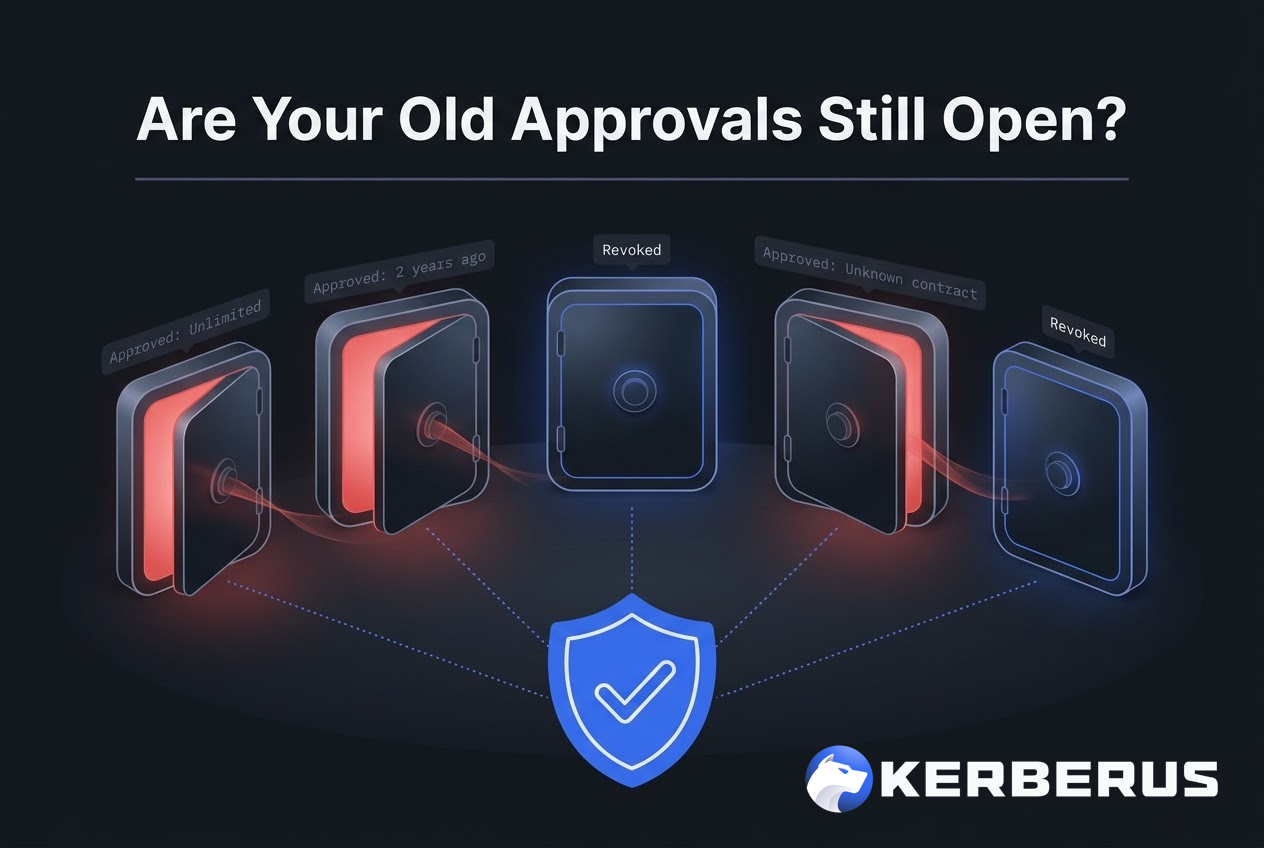
- Token approvals are on-chain permissions that let smart contracts move your tokens, and they stay active forever unless you manually revoke them.
- Phishing attacks that trick users into signing malicious approvals cost over $1 billion in 2024 according to CertiK, often exploiting old permissions users forgot existed.
- Revoking unused approvals takes minutes using free tools like Revoke.cash and should be a monthly habit for anyone using DeFi.
Introduction
Step-by-step guide to revoking token approvals on Ethereum and Solana. Protect your wallet from dormant permissions that hackers exploit months after you forget about them.
What are Token Approvals?
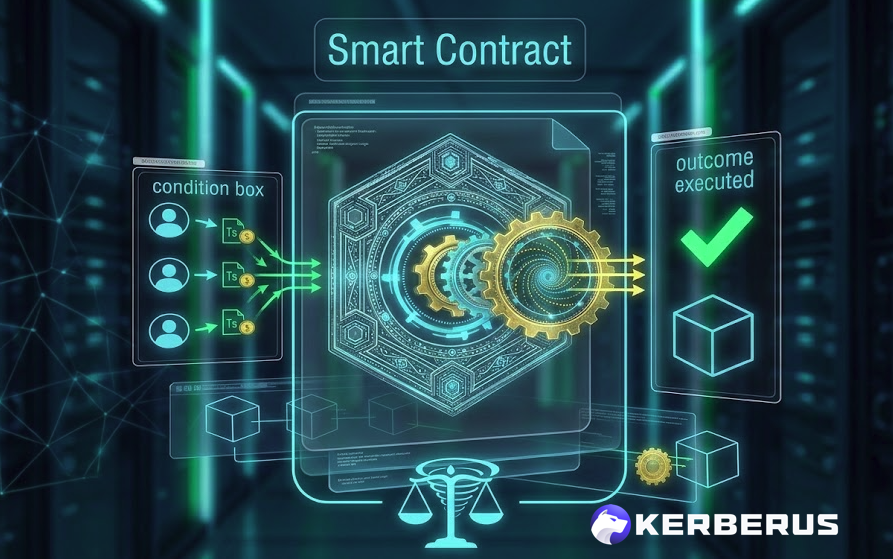
Every time you use a decentralized exchange, mint an NFT, or interact with a DeFi protocol, your wallet asks you to approve a smart contract to access your tokens. This is a token approval. It is an on-chain permission that tells the blockchain:
“I have authorized this smart contract to move my tokens.”
The big problem is that approvals do not expire.
Once you approve a contract, it retains permission to move those tokens until you explicitly revoke it. If you used a DEX six months ago and approved unlimited USDT access, that approval is still active right now, even if you never touched the protocol again.
Why Should I Care About Token Approvals?
Now imagine that protocol that you granted token approval gets hacked tomorrow. The attacker inherits every active approval and can drain funds from every wallet that is never revoked. You do not need to visit the site. You do not need to sign anything new. The approval you forgot about is the open door.
According to CertiK’s 2024 Hack3d report, phishing attacks, many of which rely on tricking users into signing malicious approvals, resulted in over $1.05 billion in losses across 296 incidents. A Cointelegraph investigation noted that at least three individual phishing incidents exceeded $100 million each.
If you have ever connected your Web3 wallet to any dApp, you almost certainly have active approvals you have forgotten about.
It’s time to clean house.
How Unlimited Approvals Work
When a DeFi protocol requests a token approval, it often asks for an unlimited amount. This means the smart contract can move any quantity of that token from your wallet at any time, without asking again.
Protocols do this to save you gas on future transactions. If you approved Uniswap for unlimited USDC, you do not need to re-approve and pay another gas fee every time you swap. Convenient. But that convenience comes with a permanent security tradeoff.
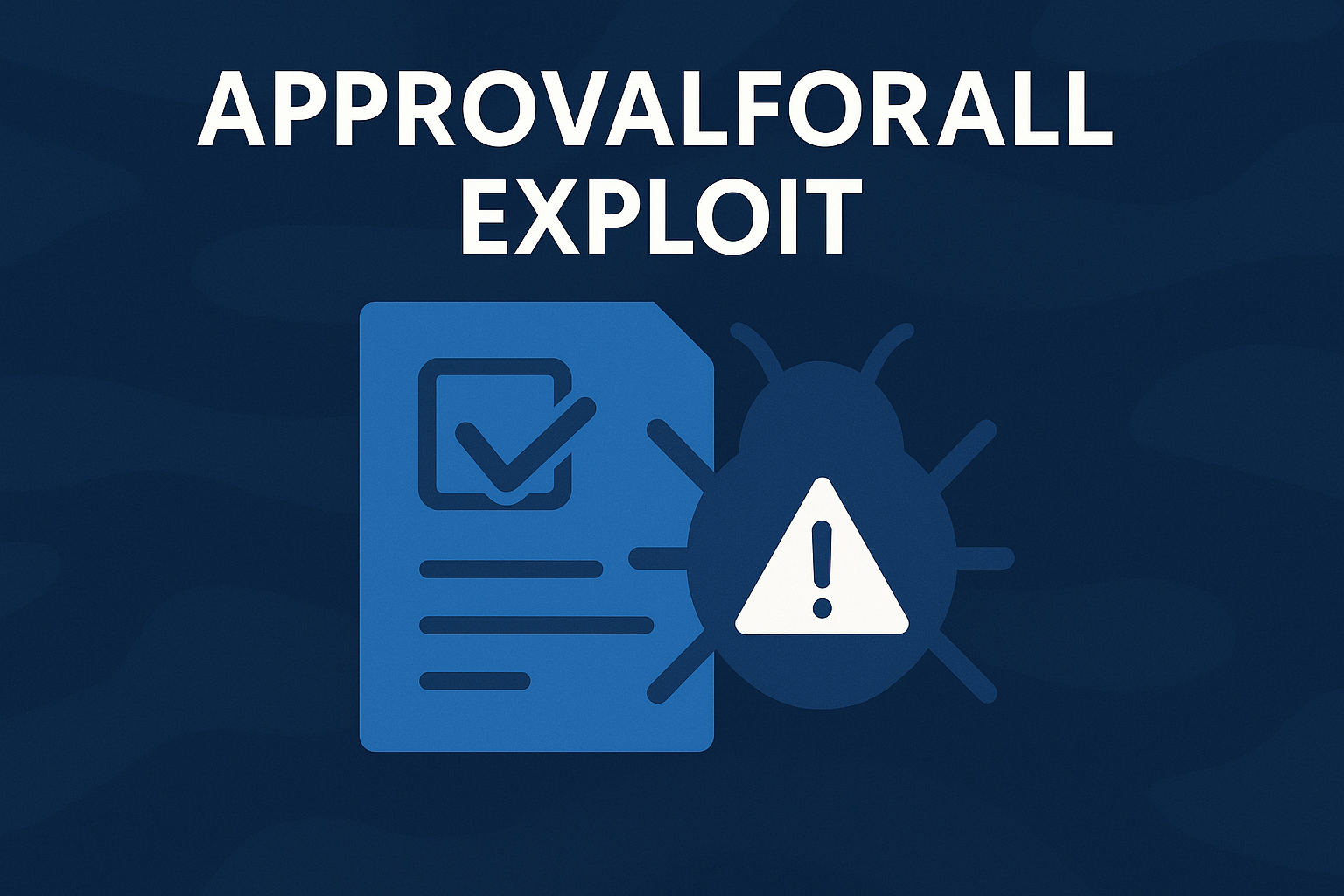
The setApprovalForAll function takes this even further for NFTs. It grants a contract access to every NFT in an entire collection you hold, not just one. If you ever minted on a site that turned out to be malicious, or if a legitimate marketplace gets exploited, your entire collection is exposed.
The takeaway: unlimited approvals are a feature for protocols but a liability for users. Treat them like leaving a spare house key under the doormat. It is convenient until someone finds it.
Can Revoking a Token Approval Help Me Get My Stolen Crypto Back?
No. Revoking an approval only removes future permission for that contract to move your tokens. It cannot reverse transactions that have already been executed on the blockchain. If your funds were already drained through a malicious approval, revoking it prevents further losses but does not recover what was taken. If you suspect your wallet has been compromised, revoke all approvals immediately, transfer remaining assets to a fresh wallet, and report the incident to local cybercrime authorities. For more on how wallet drainers operate and how to protect yourself, see our dedicated guide.
Is Disconnecting My Metamask or Phantom Wallet from a Site The Same as Revoking Approval?
No, disconnecting a wallet from a website is not the same as revoking token approvals on MetaMask or Phantom. Disconnecting only stops the site from viewing your address/balance, while revoking removes the site’s permission to move your funds. Approvals remain active on the blockchain even after disconnection.
Here’s what to know:
-
Disconnecting works at Wallet Level:
Prevents a dapp from seeing your wallet address, token balances, and transaction history. It stops new interactions but does not nullify previous permissions.
-
Revoking Approvals works at Blockchain Level:
Explicitly tells the smart contract it no longer has permission to move your tokens. This is necessary to stop potential drainers
How to revoke Ethereum and EVM Chain token approvals (Step by Step)
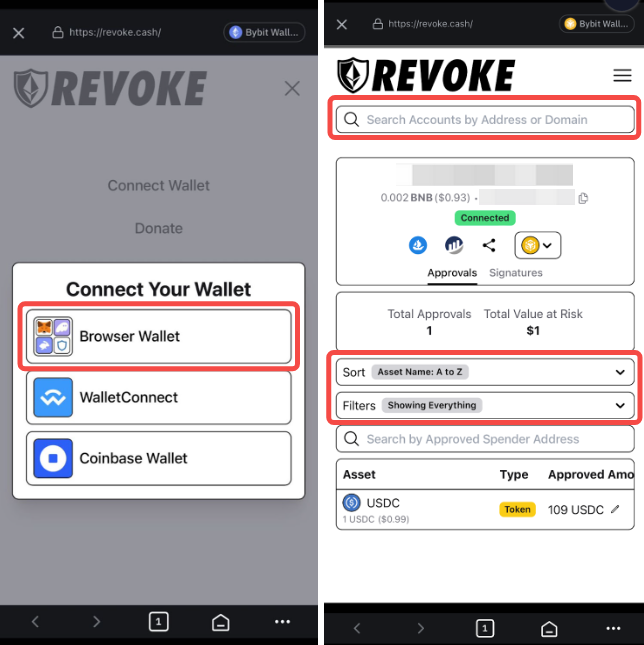
The most widely used tool for revoking approvals is Revoke.cash, a free, open-source platform that supports over 100 EVM networks.
Step 1: Go to revoke.cash.

Make sure the URL is correct. Phishing clones of Revoke.cash exist, so bookmark the real site.
Step 2: Connect your wallet
Click the button in the top right, or paste your wallet address into the search bar to view approvals in read-only mode first.
Step 3: Select the network you want to audit
You have 100 networks to choose from, including Ethereum mainnet, Base, Polygon, Arbitrum, BNB Chain, and more.
Step 4: Review your approval list.
Sort by “Newest to Oldest” if you suspect a recently signed malicious approval. Pay special attention to any approvals marked as unlimited.
Step 5: Click “Revoke” next to any approval you no longer need.
This sends an on-chain transaction that removes the permission. You will need a small amount of ETH (or the network’s native token) to cover the gas fee.
Watch the tutorial here: https://www.youtube.com/watch?v=XfojTY30d8M
Alternative: Etherscan Token Approval Checker
For Ethereum mainnet users, Etherscan also offers a built-in approval checker. Navigate to the Token Approvals page, connect your wallet, and revoke from there. The interface is less polished than Revoke.cash but works well if you already use Etherscan regularly.
For a deeper understanding of what these approvals actually look like in your wallet before you sign them, see our guide on how to read a crypto transaction before you sign it.
How to Revoke Token Approvals on Solana
Solana handles approvals differently from Ethereum, but the risk is the same. Scams often target Solana’s Associated Token Accounts (ATAs), the sub-addresses that hold specific tokens in your wallet.
The most popular revocation tool for Solana is the Famous Fox Federation Revoker at famousfoxes.com/revoke.
Step 1: Go to famousfoxes.com/revoke.
Step 2: Connect your Phantom or other Solana-compatible wallet.
Step 3: Select “Revoke all” to remove all active approvals, or review individually and revoke specific ones.
Solana revocations are significantly cheaper than Ethereum, typically a fraction of a cent per transaction. There is no good reason not to do this regularly.
You can also revoke different token authorities such as token freezing and minting etc with Smithii.
How Often Should You Audit Your Approvals?
Just set a monthly reminder. Seriously. Put a “Crypto Approval Audit” task in your calendar and spend 5-10 minutes checking Revoke.cash on every chain you use.
Beyond the monthly audit, revoke approvals immediately in these situations:
- You connected your wallet to a site you are no longer sure about
- A protocol you used announces a security incident
- You signed something and are not confident you understood what it was
- You interacted with a site from an unsolicited link (DM, X reply, Discord message)
For a complete overview of wallet security habits, including approval hygiene, see the Kerberus wallet hygiene guide.
How Kerberus Catches Malicious Approvals before You Sign
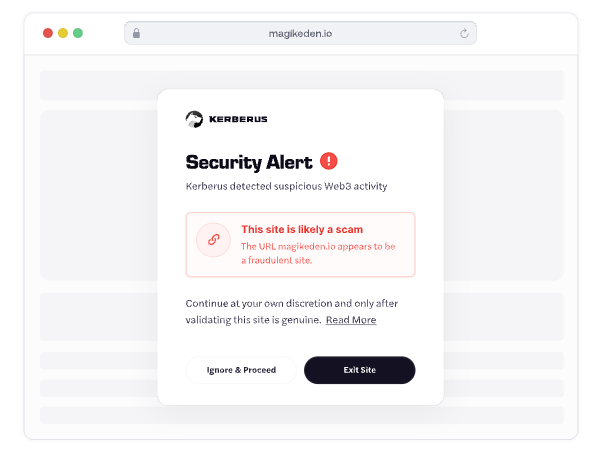
Revoking old approvals is damage control. The better strategy is not signing malicious ones in the first place.
Kerberus Sentinel3 analyzes transactions in real time before you approve them. When a site requests a suspicious approval, like an unlimited spend from an unverified contract or a wallet drainer scheme, Sentinel3 flags or blocks it before your wallet ever executes the transaction.
With a 99.9% detection rate across 1,000+ EVM chains and Solana, zero user losses since January 2023, and up to $30,000 in coverage if something slips through, Sentinel3 handles the part of security that humans are worst at: making perfect decisions under time pressure.
Install the free browser extension here.
FAQ
What is a token approval in crypto?
A token approval is an on-chain permission you grant to a smart contract, allowing it to move a specific token from your wallet. Approvals are required for most DeFi interactions like swaps, staking, and NFT trading. They persist indefinitely until revoked.
Does disconnecting my wallet revoke approvals?
No. Disconnecting your wallet from a site only removes that site’s ability to see your address. The on-chain approval remains active and the contract can still move your tokens. You must revoke the approval separately using a tool like Revoke.cash.
Does revoking an approval cost money?
Yes. Revoking an approval is an on-chain transaction that requires a gas fee. On Ethereum, this is typically a few dollars depending on network congestion. On Solana and Layer 2 chains like Arbitrum and Base, it costs less than a cent.
Can a hardware wallet protect me from approval exploits?
A hardware wallet protects your private key from being stolen, but it does not protect against approval exploits. If you signed an unlimited approval using a hardware wallet, the contract still has permission to move your tokens. Hardware wallets secure your keys, not your approvals.
About Kerberus

Kerberus is a trusted Web3 cybersecurity company protecting users across 1000+ chains with real-time scam detection and MEV defense. Its team has led and advised security work across top crypto ecosystems since 2023, with zero losses and 99.99% safety for its 250,000 users. It also offers up to $30,000 in coverage on user funds.
Kerberus Sentinel3 is a real-time Web3 security engine which users can install as a browser extension in seconds. It helps users stay safe by automatically detecting phishing, wallet drainers, and social engineering threats across chains, helping crypto users identify and block scam attempts before irreversible losses occur.
Stop leaving the door open. Get Sentinel3 and join 250k+ users with zero losses. Learn more about how to read a crypto transaction before you sign it and the top Web3 security threats in 2026.
Written by:
Werner Vermaak is a Web3 author and crypto journalist with a strong interest in cybersecurity, DeFi, and emerging blockchain infrastructure. With more than eight years of industry experience creating over 1000 educational articles for leading Web3 teams, he produces clear, accurate, and actionable organic material for crypto users.
- •8+ years in crypto & blockchain journalism
- •1000+ educational articles for leading Web3 teams
- •Former content lead at CoinMarketCap, Bybit, OKX
Related Guides
See more guides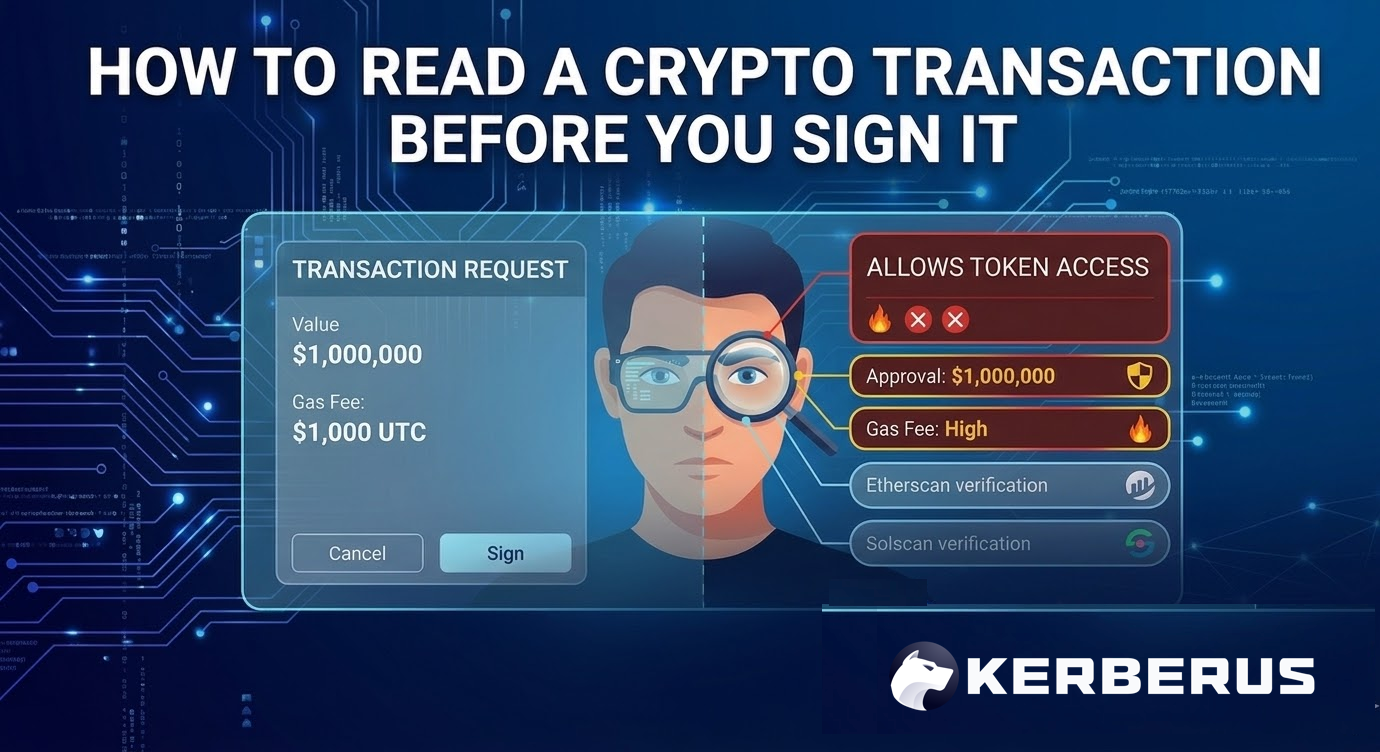
How to Read a Crypto Transaction Before You Sign It
Mar 23, 2026 • 4 minutes read
Bitcoin 101 For Beginners: BTC’s Past, Present and Future
Mar 19, 2026 • 4 minutes read
Wallet Hygiene Guide: How To Keep Your Crypto Safe
Mar 18, 2026 • 4 minutes read

Solana 101: A 2026 Guide to SOL and Its Ecosystem
Mar 13, 2026 • 4 minutes read
Install once & immediately get protected from scams, phishing and hacks. Zero losses for 250k+ users in 3 years. Now with up to $30,000 in coverage.